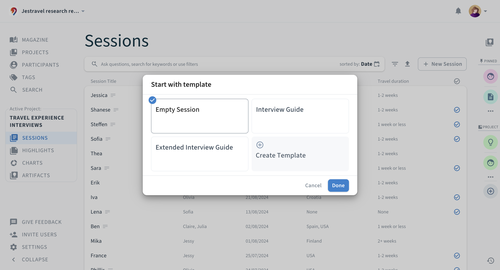
Creating a Session template
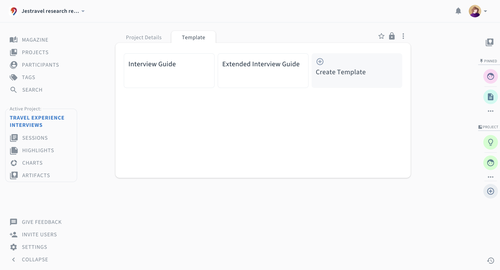
Click on the project name in the menu on the left and select the Template tab. This is where you can see all available templates and create a new one by clicking Create Template.
You can use different Sections to pre-structure your notes. Using different Sections will allow you to filter and group highlights for a specific Section across multiple Sessions later on. Learn more about how to work with Sections here.
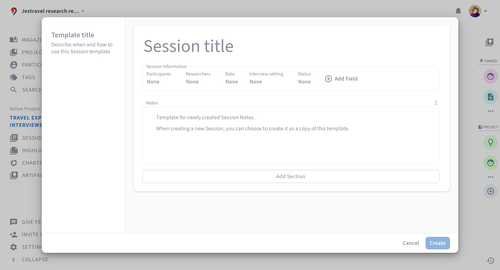
In addition, you can set a default Session title, for example, to standardize the beginning such as “Session #”. You can also create and edit Session information fields.
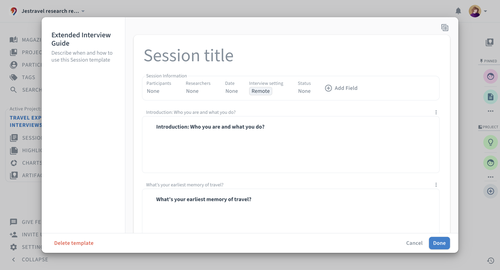
Click on the  icon at the top right to duplicate this template.
Session templates can be also created as part of more comprehensive Project templates.